Abdulsalam Otene
Since JAMB has become the body that regulates admission into tertiary institutions in Nigeria, it introduced the Central Admission Processing System (CAPS), a platform that allows prospective candidates to monitor their admission into the university.
Unlike before, the admission list is checked on the school portal; the system has now changed, and the only way to check your admission or admission status is through the CAPS.
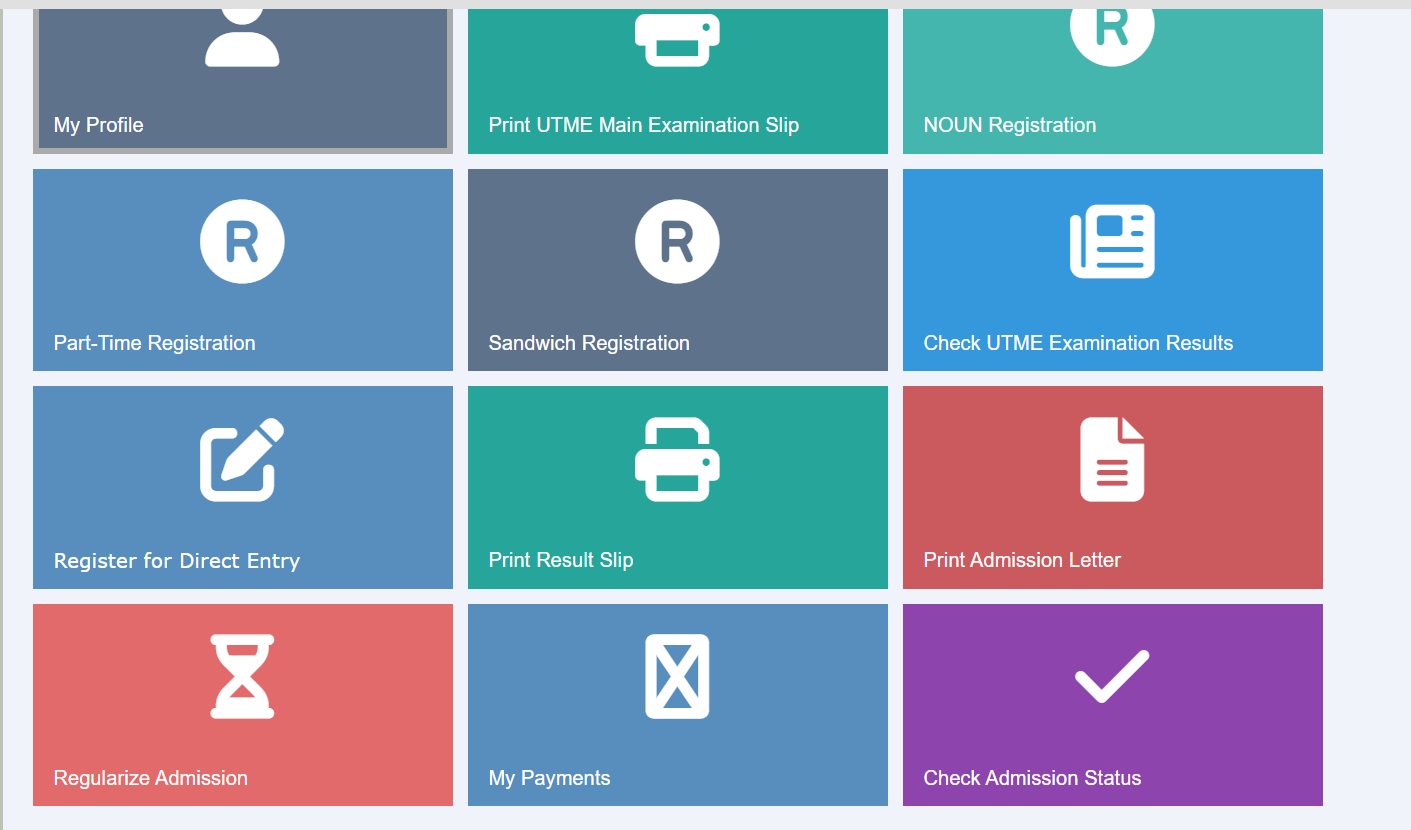
Most of the fresh aspirants and guidance don’t know how to check their admission status on CAPS, which results in many aspirants missing out on admission every year. Some student will be offered admission, but because they don’t know how to check their admission status, they will eventually miss the chances.
Some aspirants, since they can’t check the admission status for themselves, will rely on going to the CBT centers, where they will be charged for checking their admission status and also stand on long queues because of the number of people that are at the CBT centers.
If you are an aspirant for the 2025 admission, and you are looking for how to check your admission status on JAMB CAPS, this blog post will provide you with the details on how to check it step by step without missing a step.
How To Check Your Admission Status On JAMB CAPS
To check admission status on JAMB CAPS, you need a laptop or a phone which has enough data and is connected to the internet, and can access the internet from your location.
Follow these simple steps to check your admission on JAMB CAPS:
- Visit the official JAMB e-facility portal
Go to https://efacility.jamb.gov.ng
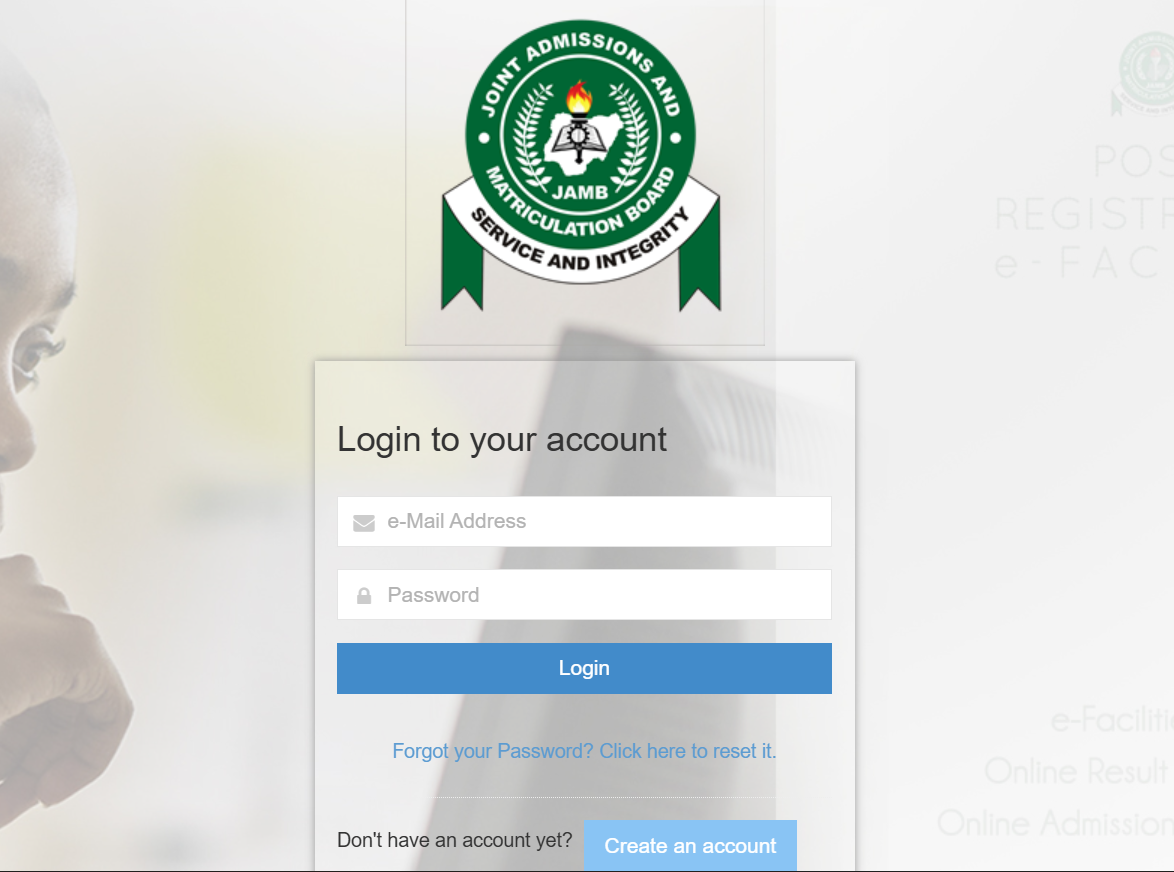
- Log in to your account
Enter your JAMB email address and password (the same ones you used during registration). - Access your dashboard
Once you’re logged in, look at the left-hand side of your dashboard and click on “Admission Status.” - Check your admission on CAPS
Next, click on “Access My CAPS.” This will open the CAPS portal, where you can see if you’ve been offered admission, Not Admitted, or Admission in Progress. If you are using a smartphone, you must switch your browser to ‘Desktop Site’ (click the three dots in Chrome). Without this, you won’t see the side menu where ‘Admission Status’ is located.
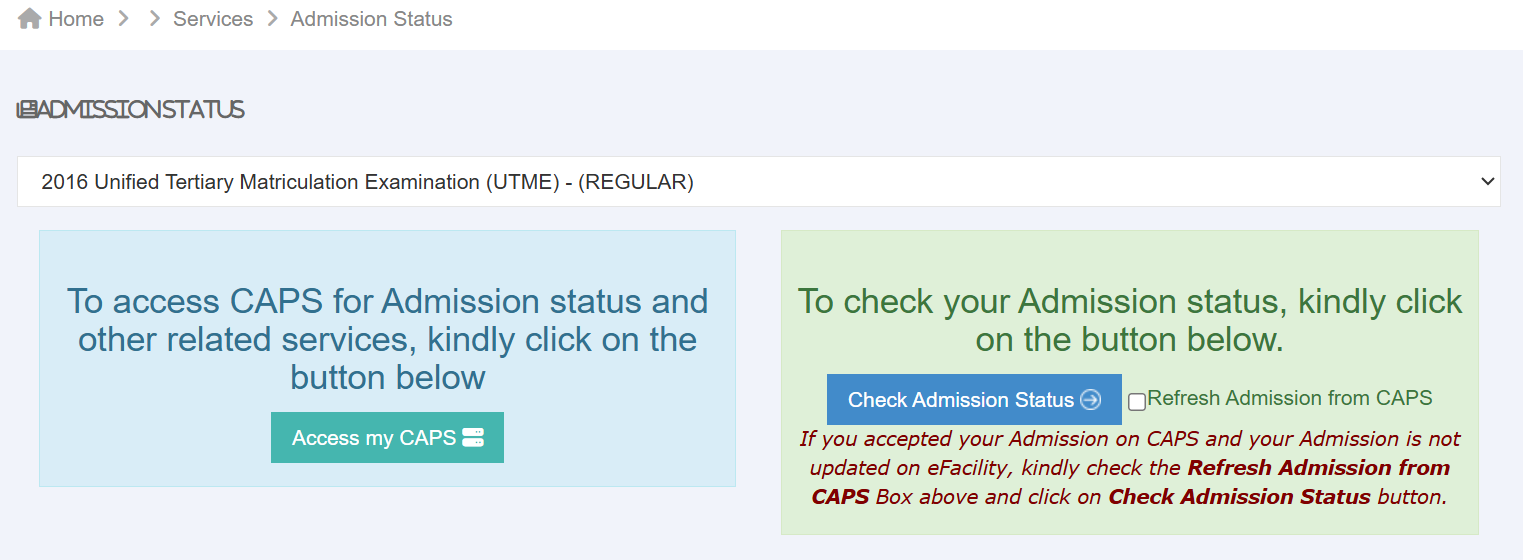
If your admission status says “Not Admitted,” don’t panic. Keep checking regularly, as schools often release admission lists in batches.
What Each Admission Status Means
- Not Admitted: This means you haven’t been offered admission yet. Don’t worry — schools release admission lists in batches, so keep checking regularly.
- Transfer Approval: This means your first-choice school didn’t admit you for your original course, but they want to offer you a different course. You must go to the “Transfer” tab and “Accept” before your admission can move forward.
- Admission in Progress: This means your admission is being processed. You’re close — just be patient and keep checking back!
- Accept Admission Offer:
Congratulations! You’ve been offered admission. Click “Accept Admission” to confirm your offer officially. After accepting your admission and your status changes to “Admitted”, print your admission letter and then proceed to your school portal for registration.
If you are yet to see any admission, ensure you have uploaded your O’level result to CAPS correctly, as this is a major reason for admission delays.
Can I check my admission status without email login?
No, you cannot check your admission Status without your Email using your phone or laptop, but you can check admission status using only your JAMB registration number at the JAMB CBT centre where you will pay.
How often should I check my CAPS?
It’s advisable to check at least 2–3 times a week during the admission period. Admission updates can happen anytime.
What should I do after accepting my admission?
After accepting, print your JAMB Admission Letter and Original Result Slip, then follow your school’s admission instructions to complete your registration and clearance.
School of Nursing in Nigeria That Don’t Require JAMB For Admission
Conclusion
Checking your admission status on JAMB CAPS is a simple but vital step in your academic journey. Many students lose their admission simply because they failed to monitor their portal or forgot to click “Accept” when the offer arrived.
Remember, if your status currently says “Not Admitted,” it isn’t the end of the road. Admission lists are released in batches throughout the year. Keep checking, ensure your O’level results are properly uploaded, and stay patient.
Once you see that “Congratulations” message, make sure to accept it immediately and proceed to print your official JAMB Admission Letter for your physical screening.